
Apple releases iOS 27 with new Siri AI features
Apple has launched iOS 27, which includes the new Siri AI beta and 120 security patches. The update follows the company's recent iPhone launch event.
First reported 5 days ago · latest update 2 hours ago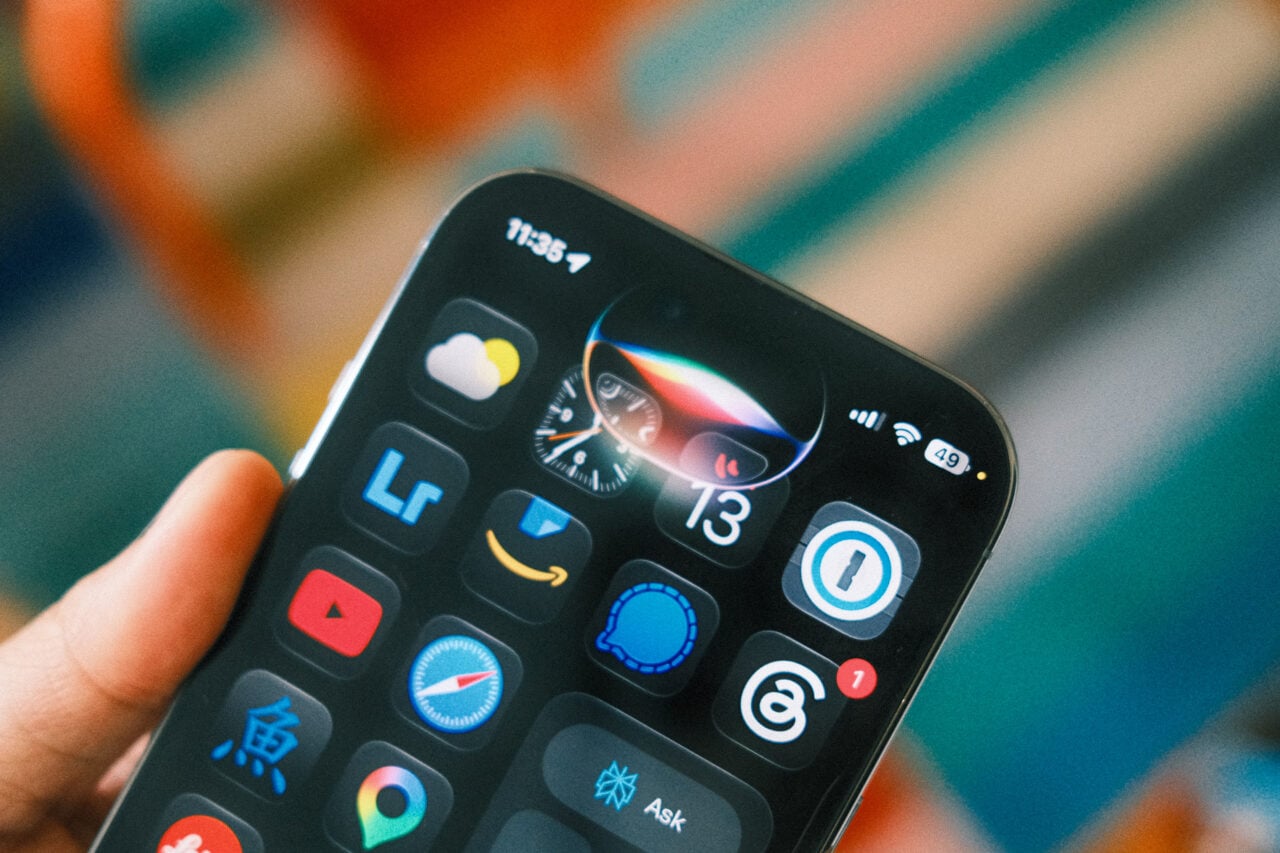
Monday was a busy update day for Apple. Not only did the company roll out iOS 27, but it also pushed out an update to iOS 26 for users sticking with the old OS.
Also: I put Siri AI through the same tests I use for ChatGPT and Gemini on MacOS 27 – here’s how it did
After months of beta testing, iOS 27 is now Apple’s official iPhone operating system, with a variety of new and improved features. Just to name a few, you’ll find new photo editing controls, a customization slider for Liquid Glass, easier location sharing, a way to replace weak passwords, a redesigned Screen Time with new child safety settings, better visuals in the Maps app, and faster overall performance.
Now equipped with its own AI skills, the next-generation Siri AI can answer questions, follow requests, and chat with you just like ChatGPT, Gemini, and the rest. But the advantage of Siri AI is that it’s integrated into the operating system, so it can help you with apps, settings, and other features on your device.
Plus, the old Siri was often plagued by problems in which it didn’t understand you or couldn’t answer your question. In contrast, the latest version promises greater reliability and accuracy.
Also: Eager to try iOS 27’s cool AI features and upgraded Siri? Get ready for usage limits
Siri AI is currently rolling out as a beta in English, with support for French, Japanese, Korean, Portuguese, and Spanish coming in October. One of the first things you’ll want to do after upgrading to iOS 27 is sign up for the beta if you haven’t already. To do that, go to Settings and select Siri. Tap the link for “Try Siri AI (Beta).” Keep tapping Continue to get through each screen. After you’re done, you’ll be set up to use Siri.
No update would be complete without the usual security fixes. Here, iOS 27 patches more than 120 security vulnerabilities, some of which could let attackers install malware, steal sensitive data, and gain control of unpatched devices.
Also: 5 underrated iOS 27 features that make my iPhone way better – and none are Siri AI
Of course, Apple also updated all its other operating systems with iPadOS 27, MacOS 27, WatchOS 27, TVOS 27, and VisionOS 27. Among them all, though, the iPhone, iPad, and Mac are unique in that Apple also updated the prior version, 26.
Released on Monday, the new 26.7 versions of iOS, iPadOS, and MacOS patch almost 80 security vulnerabilities. But they also add new features to Apple Music, new emoji, support for AirPods Max 2, and greater keyboard accuracy. The 26.7 updates are geared toward people who can’t or may not want to switch to version 27.
Also: How I use Siri mode in the iOS 27 Camera app to ask questions about anything I see
Older iPhones not supported by iOS 27 include the iPhone X, XR, XS, XS Max, and SE (2nd generation).
iPad models that don’t make the cut for iPadOS 27 are the iPad (8th generation), iPad mini (5th generation), iPad Air (3rd generation), iPad Pro (11-inch, 1st generation), and iPad Pro (12.9-inch, 3rd generation).
And Macs out of the running for macOS 27 include the MacBook Pro (13-inch, 2020), MacBook Pro (16-inch, 2019), iMac (2020), and Mac Pro (2019).
Releasing the 27 and 26.7 updates at the same time has caused confusion among users, some of whom may not be sure which version to choose.
To see what’s available and run the right update, go to Settings on your iPhone or iPad or System Settings on a Mac. Select General, and then select Software Update.
Also: I tested iOS 26 Siri against iOS 27 Siri AI in my car – and it wasn’t even close
If your device isn’t supported by version 27, then your only option will be to run the 26.7 update. If your device is supported, then you’ll see both versions. In that case, you can simply skip 26.7 and grab version 27 by selecting the Upgrade Now button.
Please accept cookies to view the comments powered by Disqus.
Citations · 3 reports from 3 outlets
Tap a citation to read it above, right here on T.A.M.
iOS 27 is finally here, with the new Siri AI beta – and 120 security patches
Even if you’re not ready for iOS 27, there’s an important new update for you too. Here’s what’s new.
2 hours ago · Lance WhitneyHere’s When You Can Finally Download iOS 27 and Siri AI
Apple's big AI update is taking over your phones later this month.
5 days ago · Kyle BarrApple iOS 27 is almost here: When you can download it
Apple announced iOS 27 at WWDC 2026, and after its Sept. 9 iPhone launch event, the new OS (and Siri AI) is on the launch pad.
4 days ago